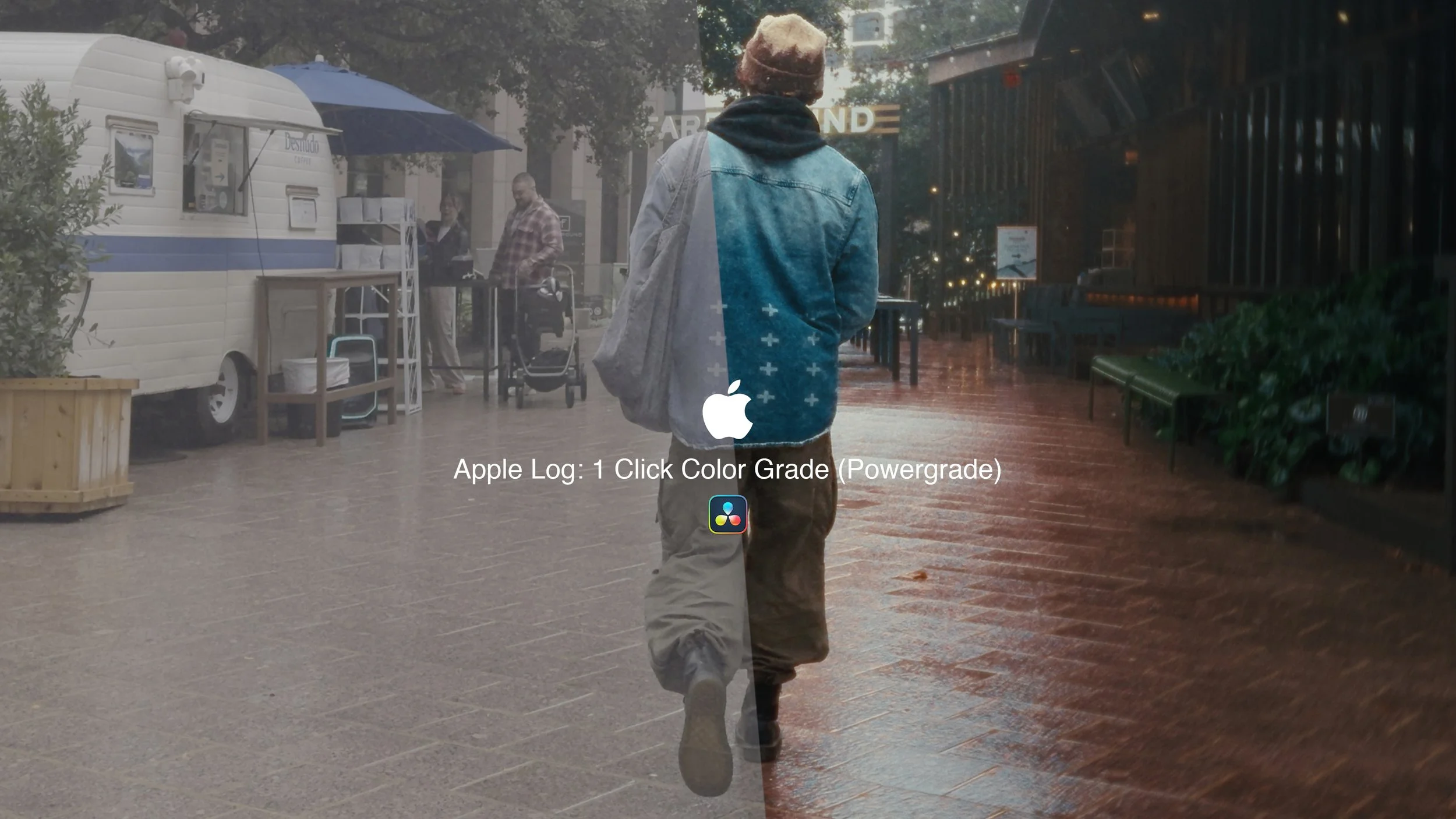

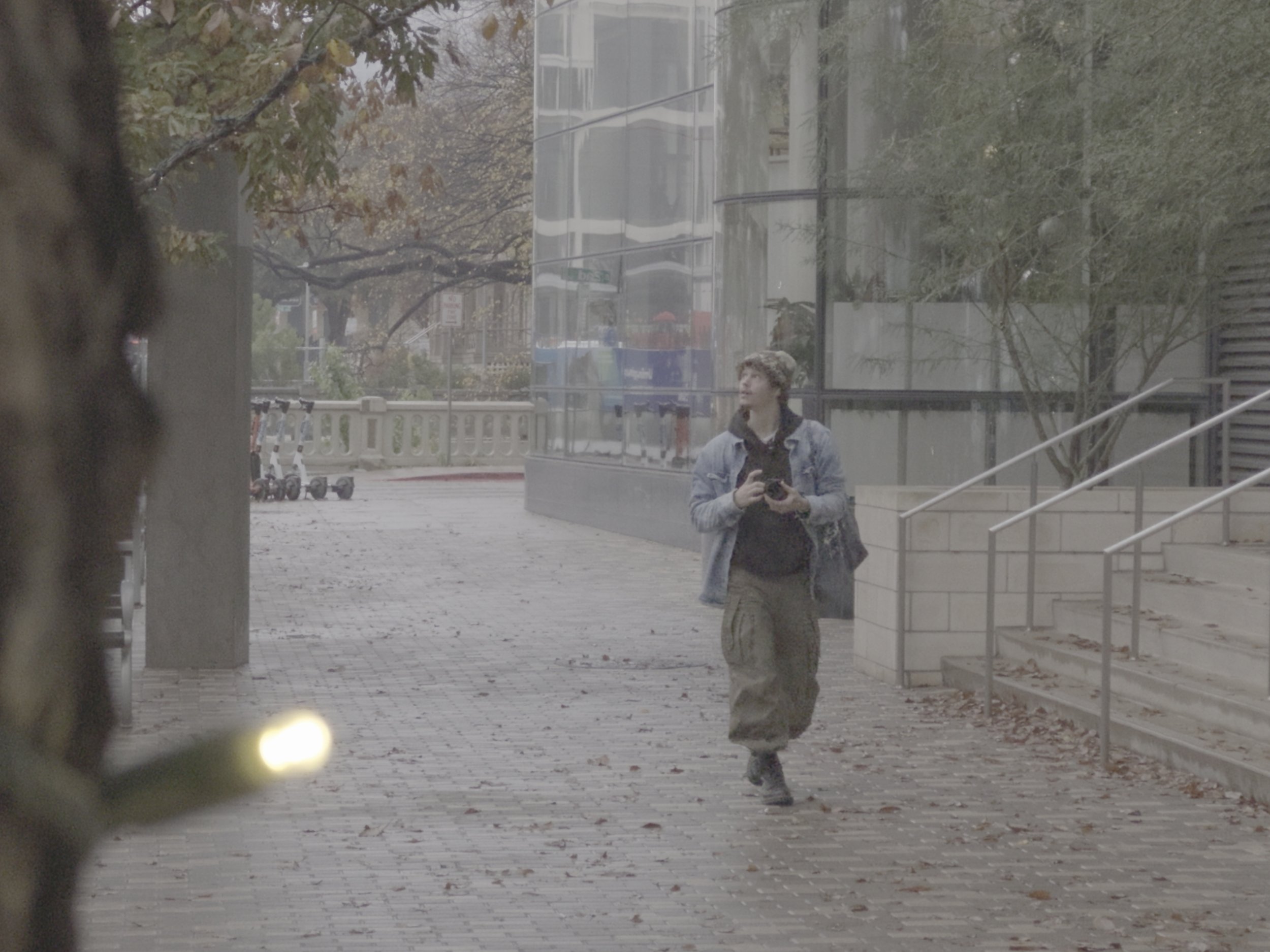

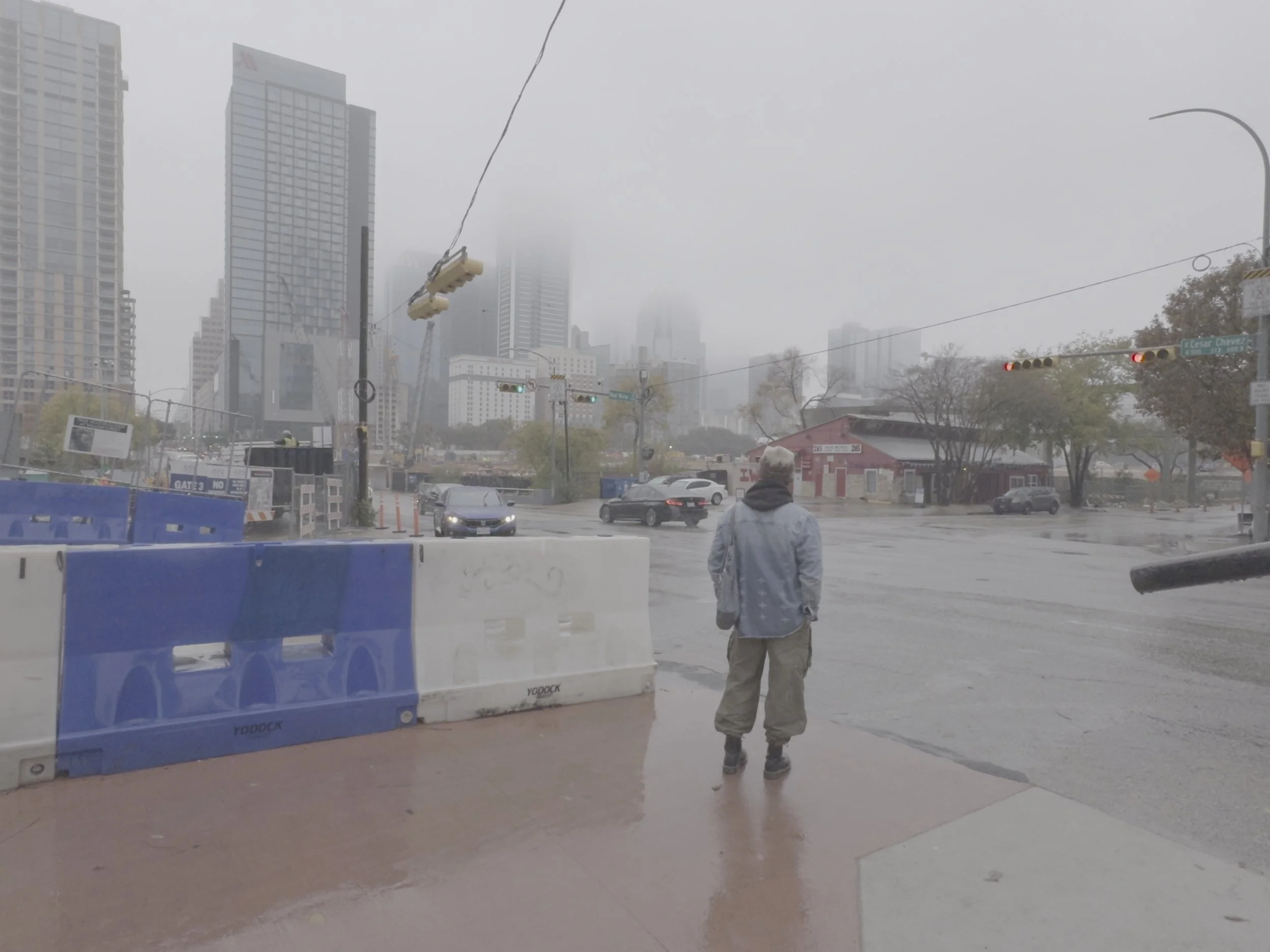

Apple Log: 1 Click PowerGrade: Includes the Resolve PowerGrade, 1 Click Color Grade Apple Log LUT, and in-depth tutorial (30 minutes), giving you everything you need to create polished, professional color grades from your iPhone’s Apple Log footage.
What it is
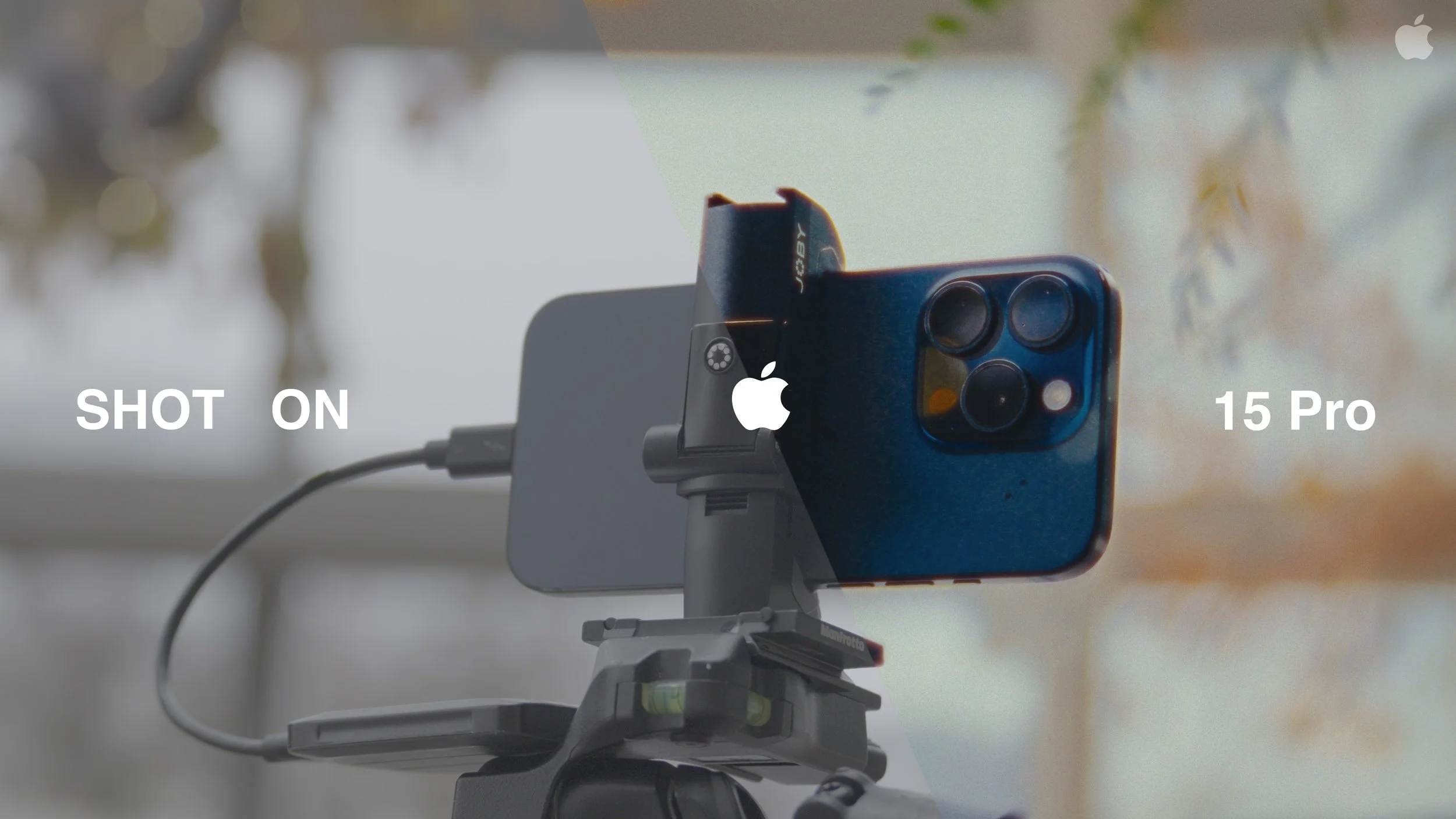
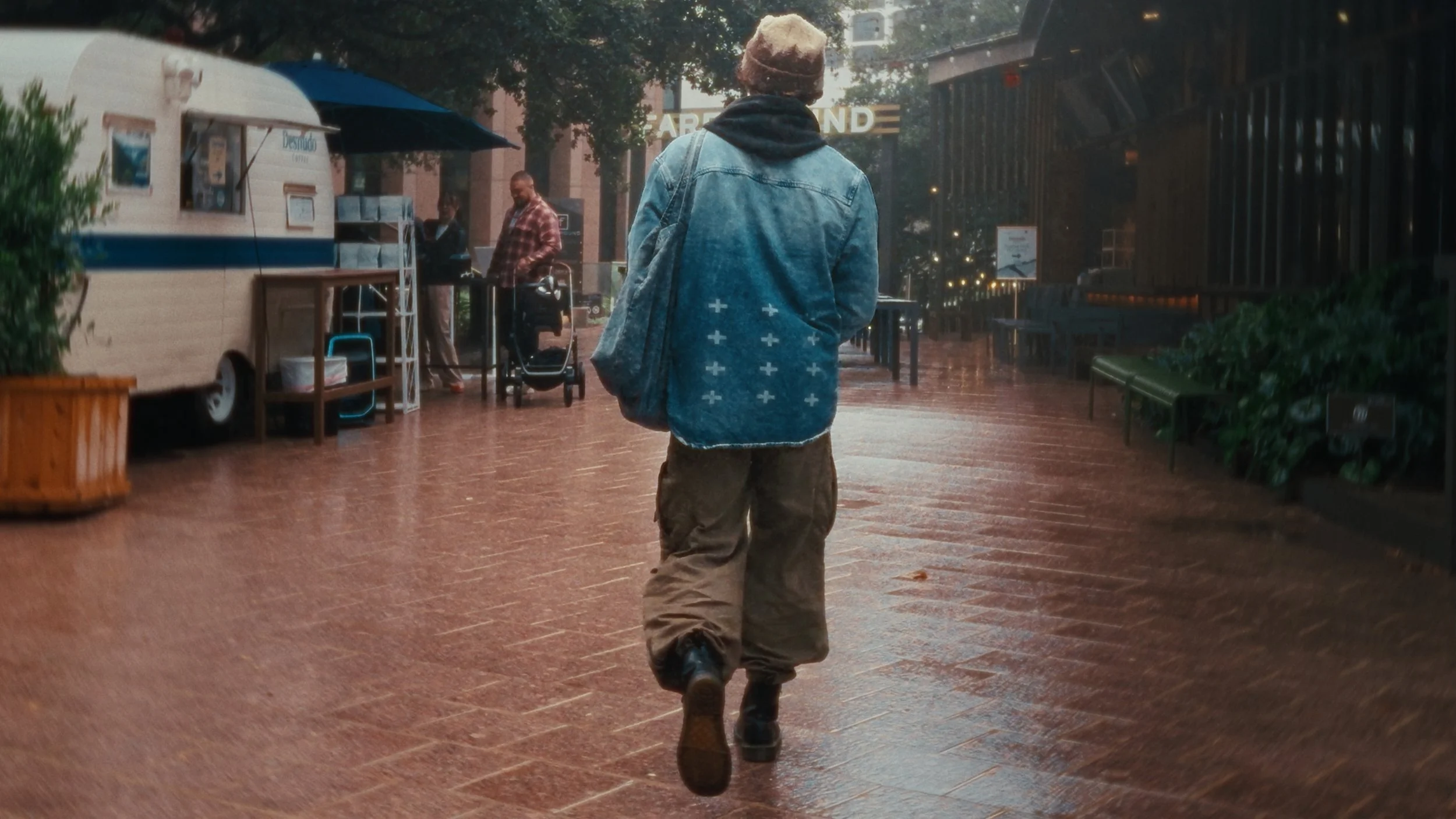
A professional-grade LUT and Resolve PowerGrade designed for Apple Log and Apple Log 2 footage from iPhone 15–17, built to deliver rich contrast, natural color, and a cohesive, cinematic finish in seconds. The included full-length tutorial breaks down the entire grading system—walking you step by step through setup, WB/exposure balancing, fine adjustments, and creative shaping—so you can replicate clean, consistent results every single time across any project.
It’s fully compatible with ProRes Apple Log, while still usable on 8-bit H.264 Apple Log footage (though 8-bit color space naturally limits flexibility for intense corrections or secondary grades).
How it works
Universal Apple Log support
Crafted specifically for Apple Log and Apple Log 2 from iPhones 15–17, this system converts footage straight from log to a balanced Rec.709-style image—no CSTs, conversions, or camera LUTs needed.
Tonal depth and color balance
Refined adjustments bring clean contrast and color separation that maintain believable skin tones, soft highlight rolloff, and solid shadows across any shooting environment—from concerts and fashion scenes to lifestyle or golden-hour shots.
One-click speed, real control
Gets you 90–99% of the way there instantly. From there, small tweaks to white balance and exposure—especially highlights with Apple Log—complete the look with precision and ease.
Resolve-native PowerGrade
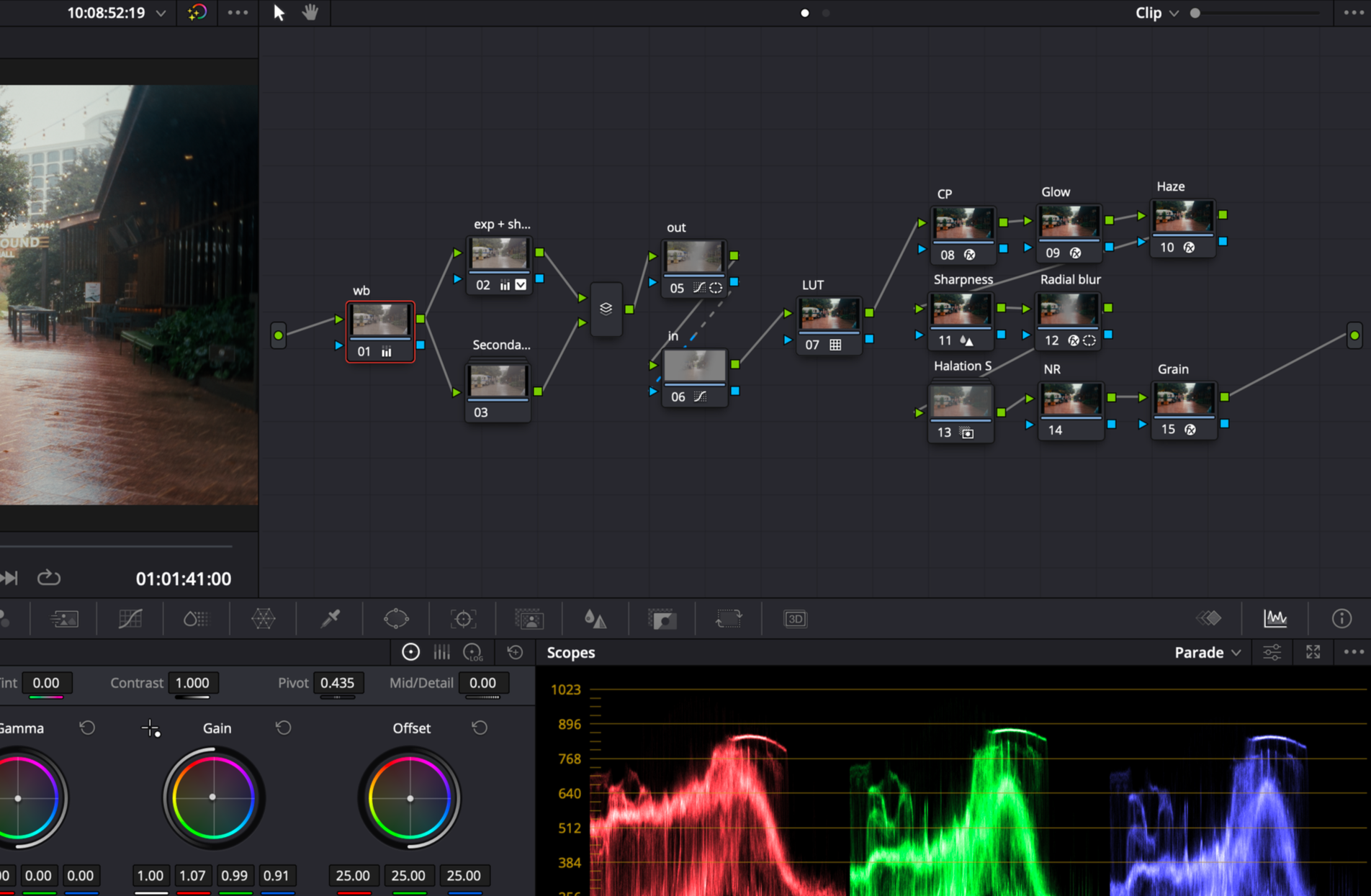
The included PowerGrade features an optimized DaVinci Resolve node structure (WB, exposure, highlight/shadow control, LUT, and final polish), providing a professional, structured foundation you can reuse across multiple projects.
Full tutorial + cross-software workflow
The full video tutorial covers setup and theory in Resolve, while teaching a universal grading system you can apply in any editing software—Premiere Pro, Final Cut, or others—by using adjustment layers instead of nodes.
Note: This system is designed for properly exposed, correctly balanced Apple Log / Apple Log 2 footage. It won’t “fix” poor captures—but it will make strong, well-shot clips look cinematic, cohesive, and professionally finished with minimal effort.
Apple Log: 1 Click PowerGrade: Includes the Resolve PowerGrade, 1 Click Color Grade Apple Log LUT, and in-depth tutorial (30 minutes), giving you everything you need to create polished, professional color grades from your iPhone’s Apple Log footage.
What it is
A professional-grade LUT and Resolve PowerGrade designed for Apple Log and Apple Log 2 footage from iPhone 15–17, built to deliver rich contrast, natural color, and a cohesive, cinematic finish in seconds. The included full-length tutorial breaks down the entire grading system—walking you step by step through setup, WB/exposure balancing, fine adjustments, and creative shaping—so you can replicate clean, consistent results every single time across any project.
It’s fully compatible with ProRes Apple Log, while still usable on 8-bit H.264 Apple Log footage (though 8-bit color space naturally limits flexibility for intense corrections or secondary grades).
How it works
Universal Apple Log support
Crafted specifically for Apple Log and Apple Log 2 from iPhones 15–17, this system converts footage straight from log to a balanced Rec.709-style image—no CSTs, conversions, or camera LUTs needed.
Tonal depth and color balance
Refined adjustments bring clean contrast and color separation that maintain believable skin tones, soft highlight rolloff, and solid shadows across any shooting environment—from concerts and fashion scenes to lifestyle or golden-hour shots.
One-click speed, real control
Gets you 90–99% of the way there instantly. From there, small tweaks to white balance and exposure—especially highlights with Apple Log—complete the look with precision and ease.
Resolve-native PowerGrade
The included PowerGrade features an optimized DaVinci Resolve node structure (WB, exposure, highlight/shadow control, LUT, and final polish), providing a professional, structured foundation you can reuse across multiple projects.
Full tutorial + cross-software workflow
The full video tutorial covers setup and theory in Resolve, while teaching a universal grading system you can apply in any editing software—Premiere Pro, Final Cut, or others—by using adjustment layers instead of nodes.
Note: This system is designed for properly exposed, correctly balanced Apple Log / Apple Log 2 footage. It won’t “fix” poor captures—but it will make strong, well-shot clips look cinematic, cohesive, and professionally finished with minimal effort.