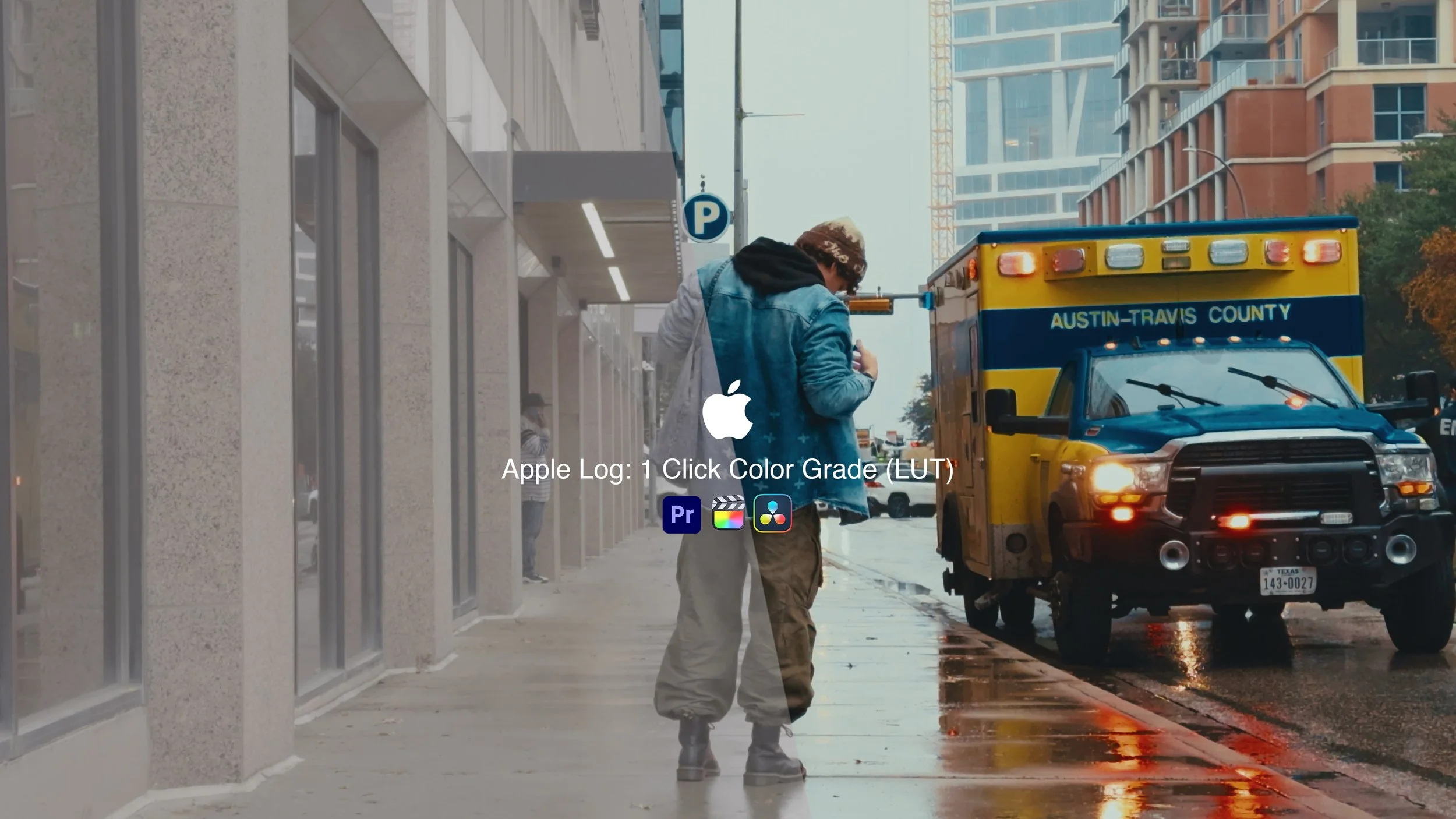


Apple Log: 1 Click Color Grade (LUT) - is a streamlined LUT (and Resolve PowerGrade) that transforms Apple Log footage from any iPhone 15–17 into a cinematic, ready-to-share image, with full support for Apple Log 2. The included tutorial teaches a repeatable system you can follow step by step to dial in white balance, exposure, and contrast so you can achieve consistent, professional-looking grades every time, in Resolve and in other editors like Premiere Pro and Final Cut using adjustment layers instead of nodes.
It also works on 8‑bit H.264 Apple Log clips, but results are naturally more limited because that color space has less information to push around, so extreme corrections and heavy secondary grades are not recommended.
How it works
Universal Apple Log support
Built to work on Apple Log and Apple Log 2 from iPhone 15, 16, and 17, converting straight from log to a balanced Rec.709-style image with no CSTs or extra camera LUTs required.
Tonal depth & color balance
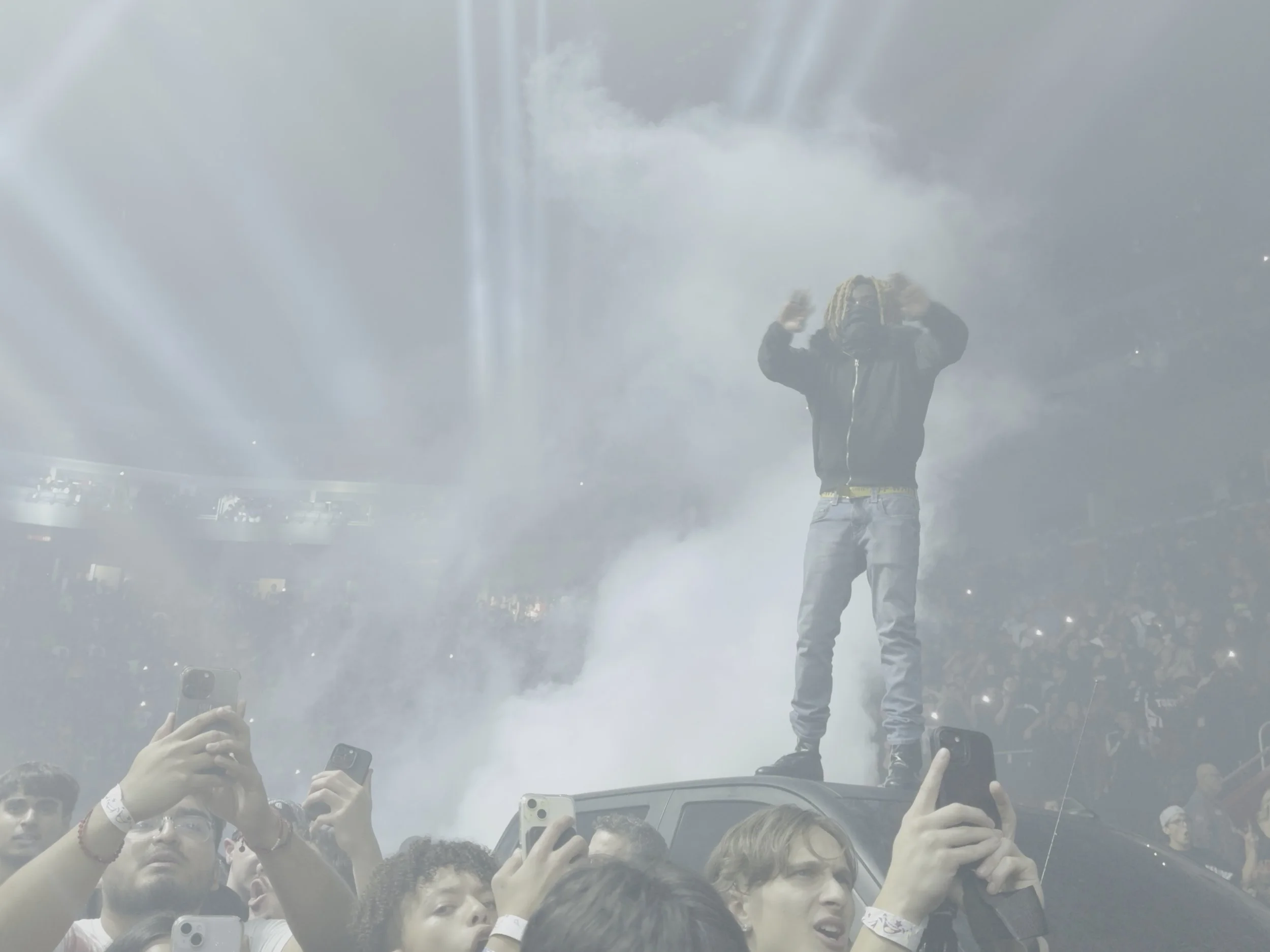
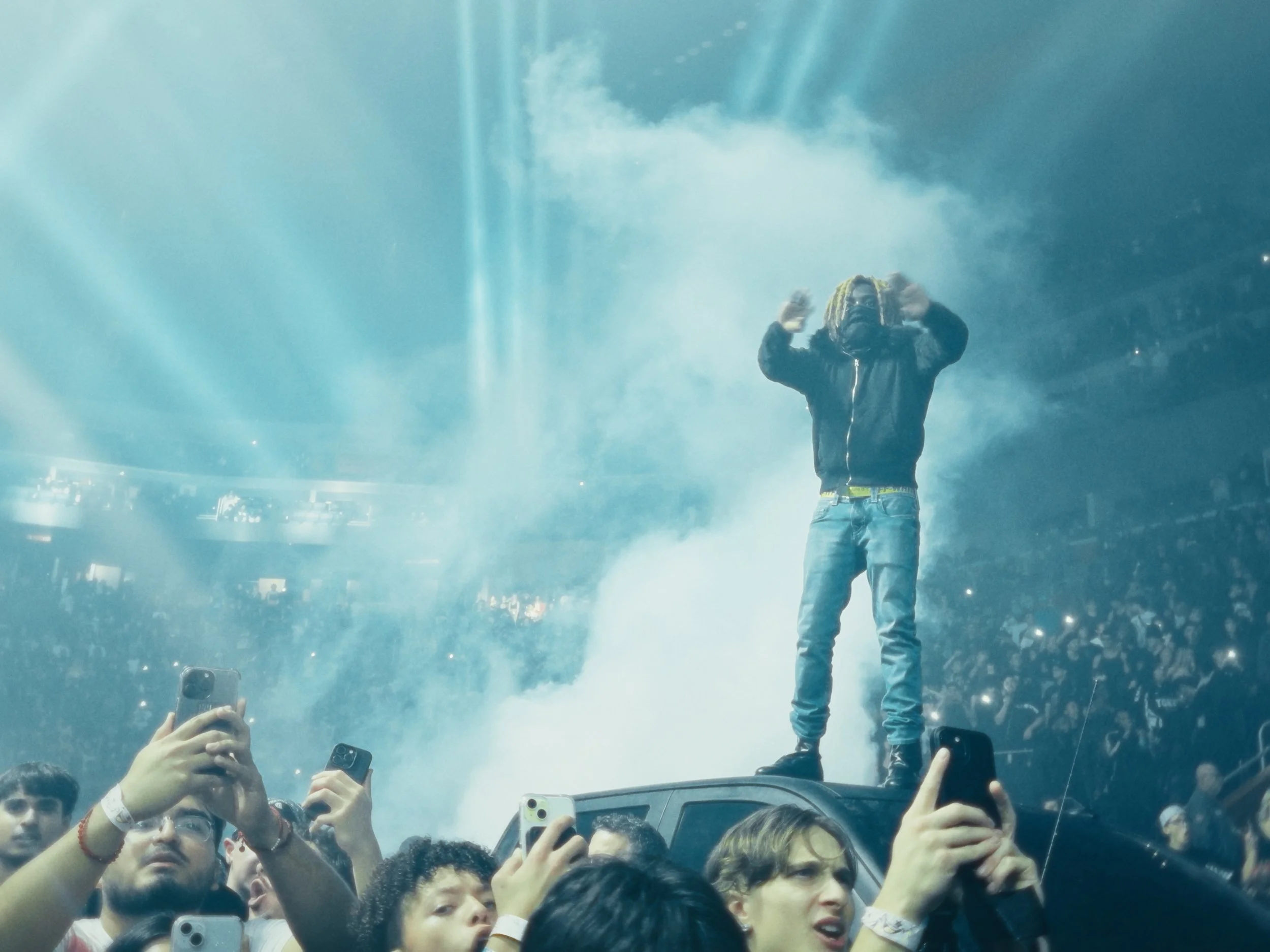
Adds clean contrast and natural color separation so skin tones stay believable, highlights roll off smoothly, and shadows stay solid across concerts, fashion, lifestyle, and sunset footage.
One-click speed, small tweaks
in most clips it gets you 90–99% of the way there; you only nudge white balance and exposure—especially highlights with Apple Log—to lock in the final look.
Resolve-native PowerGrade
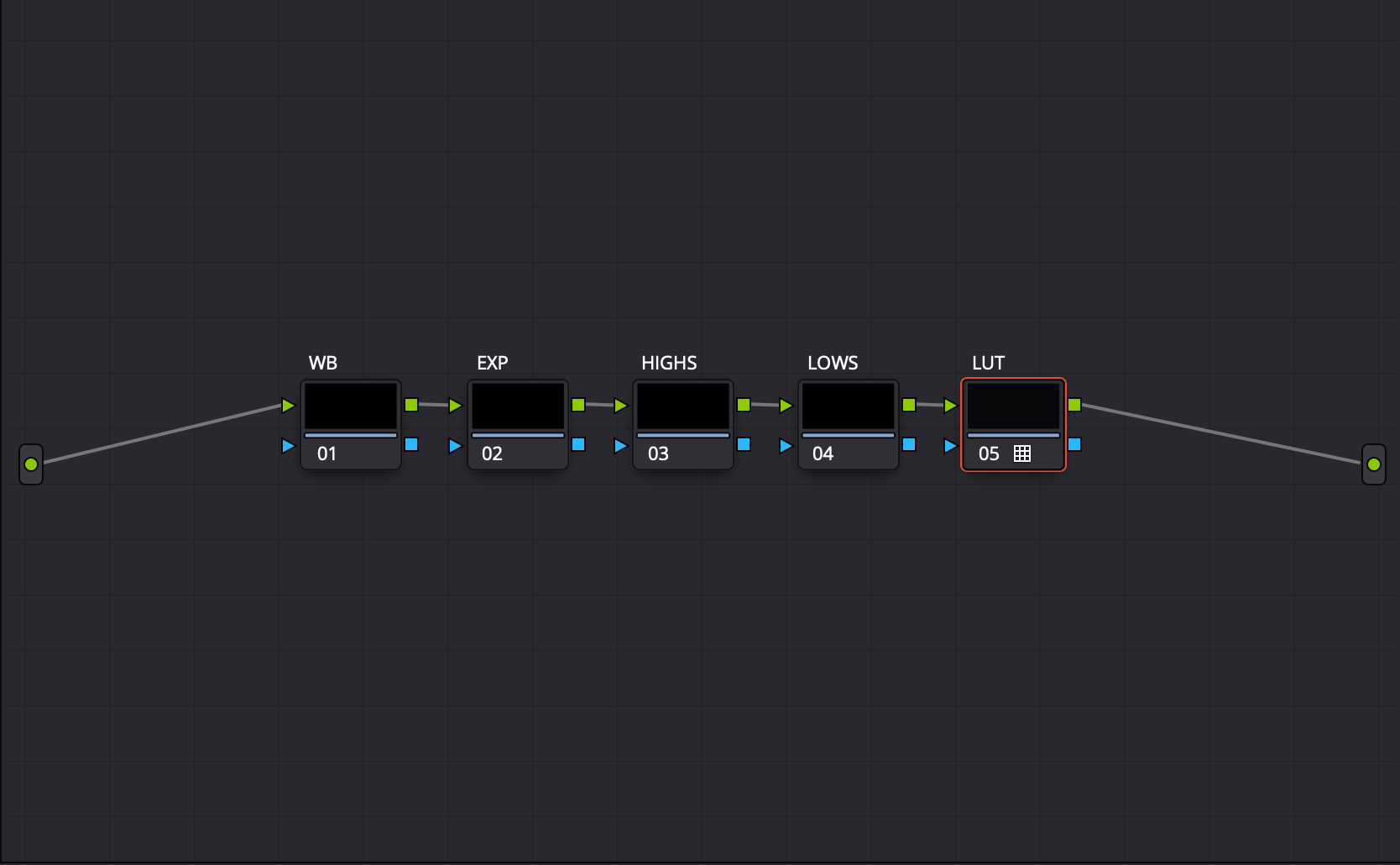
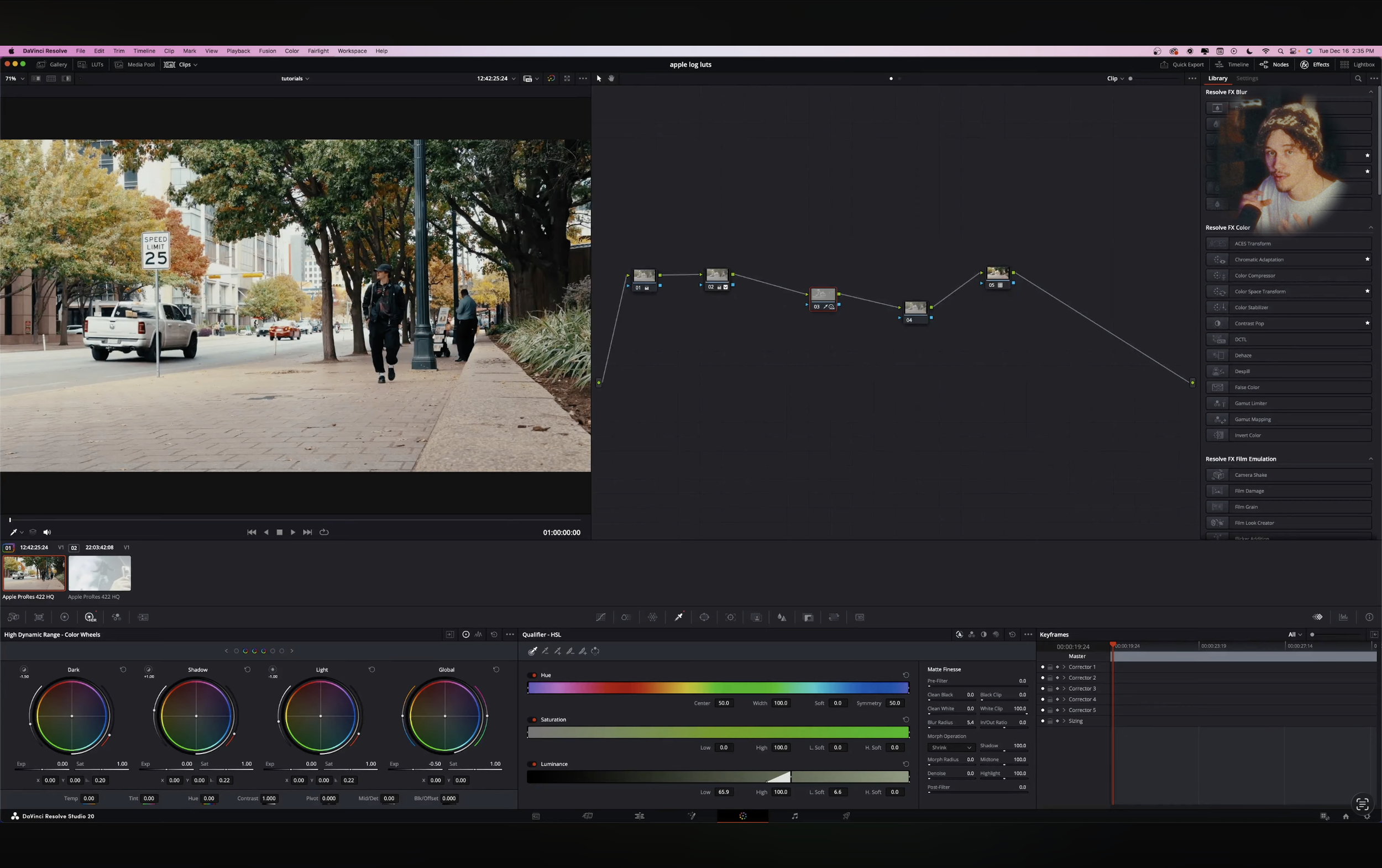
Resolve Studio users get a pre-built node tree (WB, exposure, highlight/shadow control, LUT) for fast, consistent grading across projects.
Included tutorial
A short walkthrough shows how to install the LUT, set it up in Resolve/Premiere/FCP, and build a simple WB/exposure workflow around it using real Apple Log examples.
Note: Designed for properly exposed, reasonably balanced Apple Log / Apple Log 2 footage—it will not fix bad captures, but it will make solid clips look polished and cohesive with minimal effort.
Apple Log: 1 Click Color Grade (LUT) - is a streamlined LUT (and Resolve PowerGrade) that transforms Apple Log footage from any iPhone 15–17 into a cinematic, ready-to-share image, with full support for Apple Log 2. The included tutorial teaches a repeatable system you can follow step by step to dial in white balance, exposure, and contrast so you can achieve consistent, professional-looking grades every time, in Resolve and in other editors like Premiere Pro and Final Cut using adjustment layers instead of nodes.
It also works on 8‑bit H.264 Apple Log clips, but results are naturally more limited because that color space has less information to push around, so extreme corrections and heavy secondary grades are not recommended.
How it works
Universal Apple Log support
Built to work on Apple Log and Apple Log 2 from iPhone 15, 16, and 17, converting straight from log to a balanced Rec.709-style image with no CSTs or extra camera LUTs required.
Tonal depth & color balance
Adds clean contrast and natural color separation so skin tones stay believable, highlights roll off smoothly, and shadows stay solid across concerts, fashion, lifestyle, and sunset footage.
One-click speed, small tweaks
in most clips it gets you 90–99% of the way there; you only nudge white balance and exposure—especially highlights with Apple Log—to lock in the final look.
Resolve-native PowerGrade
Resolve Studio users get a pre-built node tree (WB, exposure, highlight/shadow control, LUT) for fast, consistent grading across projects.
Included tutorial
A short walkthrough shows how to install the LUT, set it up in Resolve/Premiere/FCP, and build a simple WB/exposure workflow around it using real Apple Log examples.
Note: Designed for properly exposed, reasonably balanced Apple Log / Apple Log 2 footage—it will not fix bad captures, but it will make solid clips look polished and cohesive with minimal effort.